Build the planner you actually want.
A free planner builder, a pay-once planner app, and ready-made templates for e-ink tablets. No subscriptions. No accounts. No fluff.
Works with reMarkable, Kindle Scribe, BOOX, Supernote and iPad.
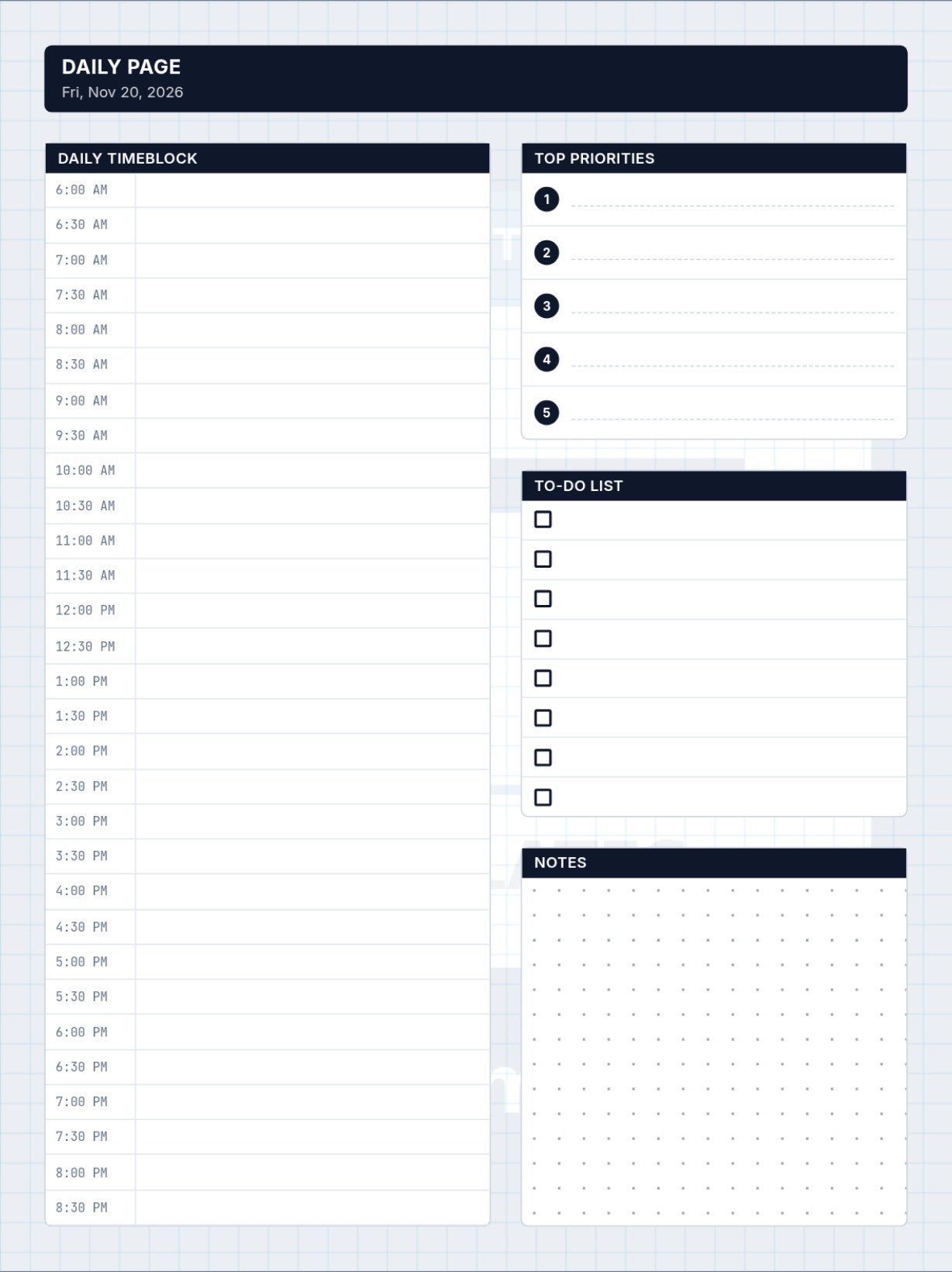
A daily page built from a blank canvas in the free builder — schedule, priorities, notes and a habit tracker, placed exactly where you want them.
Quick question
What do you plan on?
One tap. No sign-up, no account — just curious.
New in BLOC Planner 1.0.2
The big update is here
Everything below shipped in the 1.0.2 update — free for everyone who owns the app. It’s live now in the Microsoft Store and in the demo — and the Mac version is with Apple, expected by November 24. The free web builder stays exactly as it is.
What’s coming next
Start here
Four ways in
Free Planner Builder
Start from a blank page and drag in the pieces you use — schedules, priorities, notes, calendars, habit trackers. Set your own background, even your own logo. Export a hyperlinked PDF for your tablet.
Open the builder →BLOC Planner — Web Demo
The full BLOC Planner running in your browser. Build pages, run the planner wizard, try the starter templates — everything works except exporting, which lives in the app.
Launch the demo →BLOC Planner
The full desktop app: 43 device sizes, full-year planners, and 30 starter templates. $15.99 once — no subscription, ever. Free builder included forever as your trial.
Get it on the Microsoft Store →BLOC Planner — iPad Demo
The iPad version of BLOC Planner, running in your browser: school-year builds, Restyle, My Templates, My Projects, and the editable templates. Everything works except exporting, which lives in the app.
This demo is the iPad version — try it on an iPad. On a computer it looks exactly like the regular website version.
Launch the iPad demo →Free builder — in action
What the free builder does
Short clips, recorded in the builder itself. No account, no cost — open it and try every one of these.
BLOC Planner — the full app
What the paid app adds
Everything the free builder does, plus the big stuff. These clips are recorded in the app itself.
Made with the builder
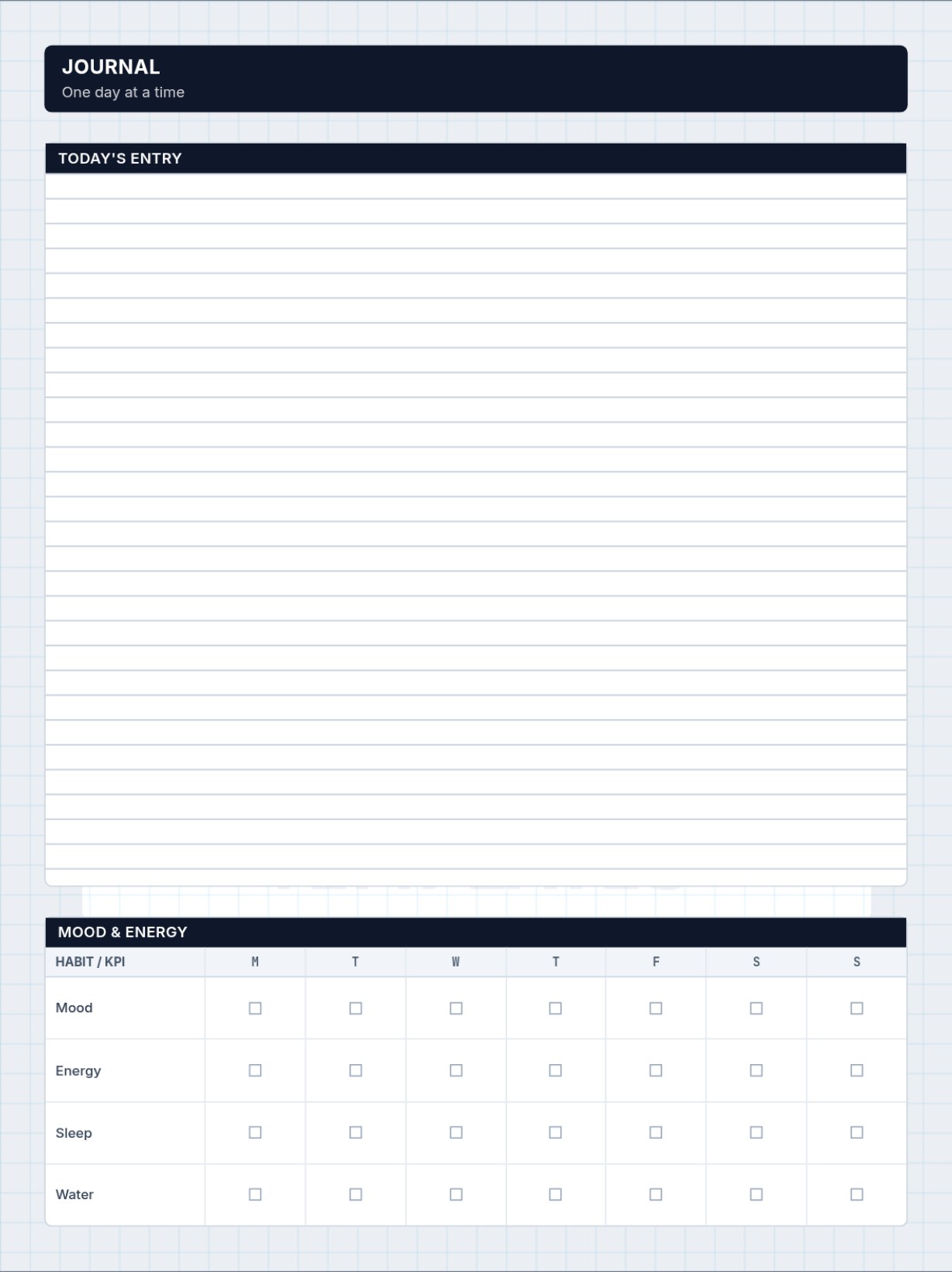
Clean pages, one job each
Real pages built with the free builder, each with Cory’s Templates mark faded behind the widgets. Simple layouts you’ll actually fill in — no hundred-page chaos.
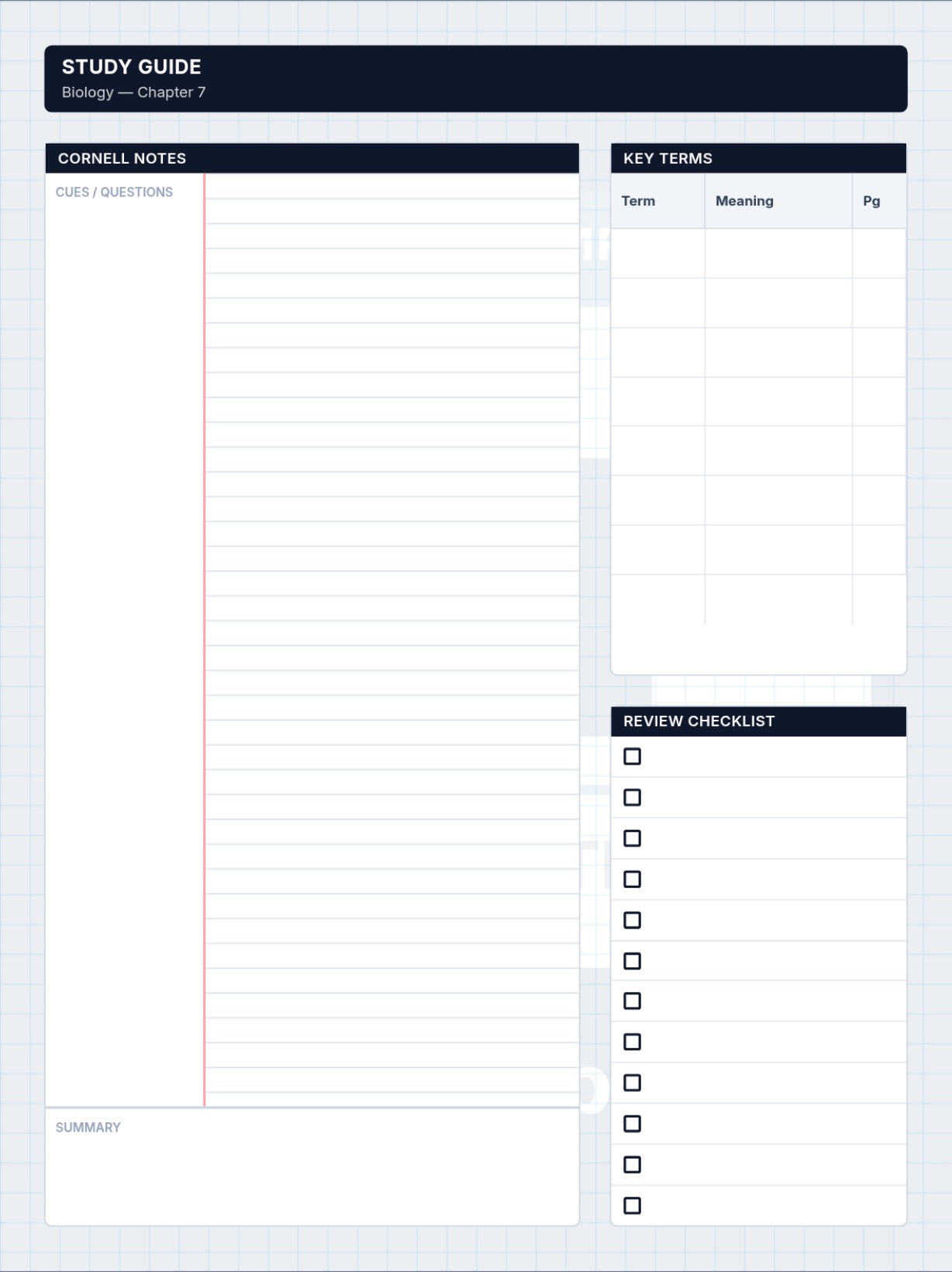
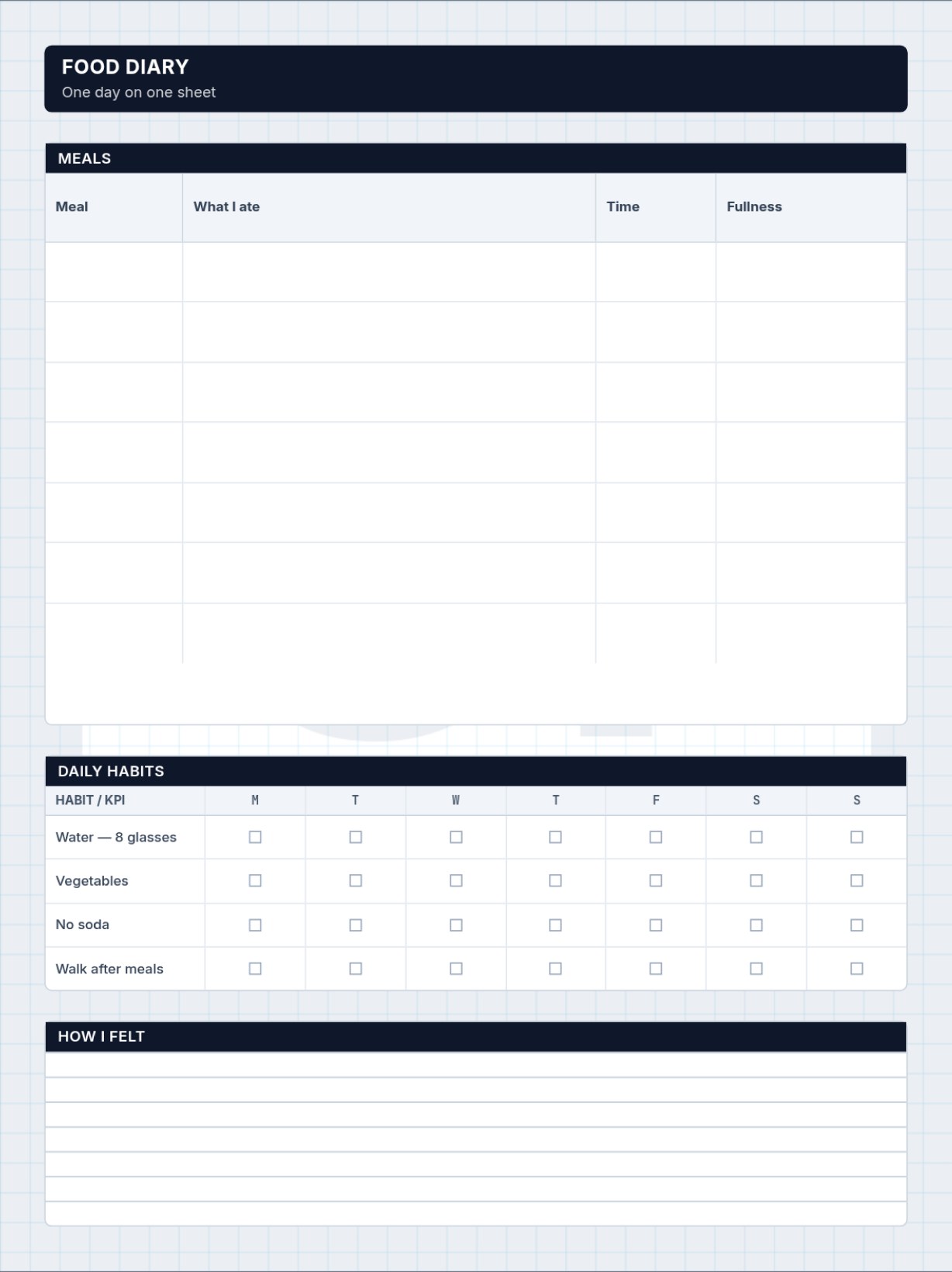
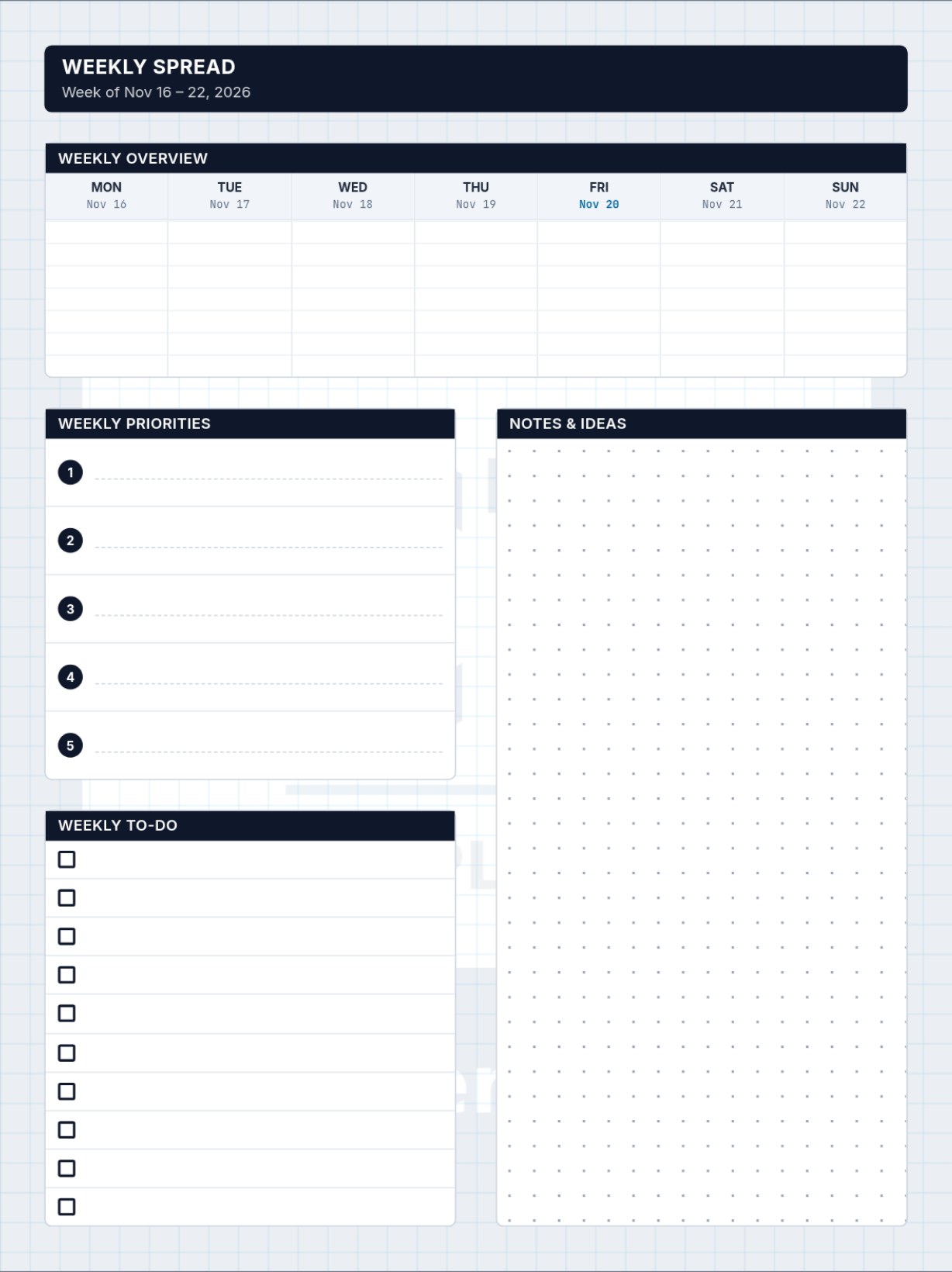
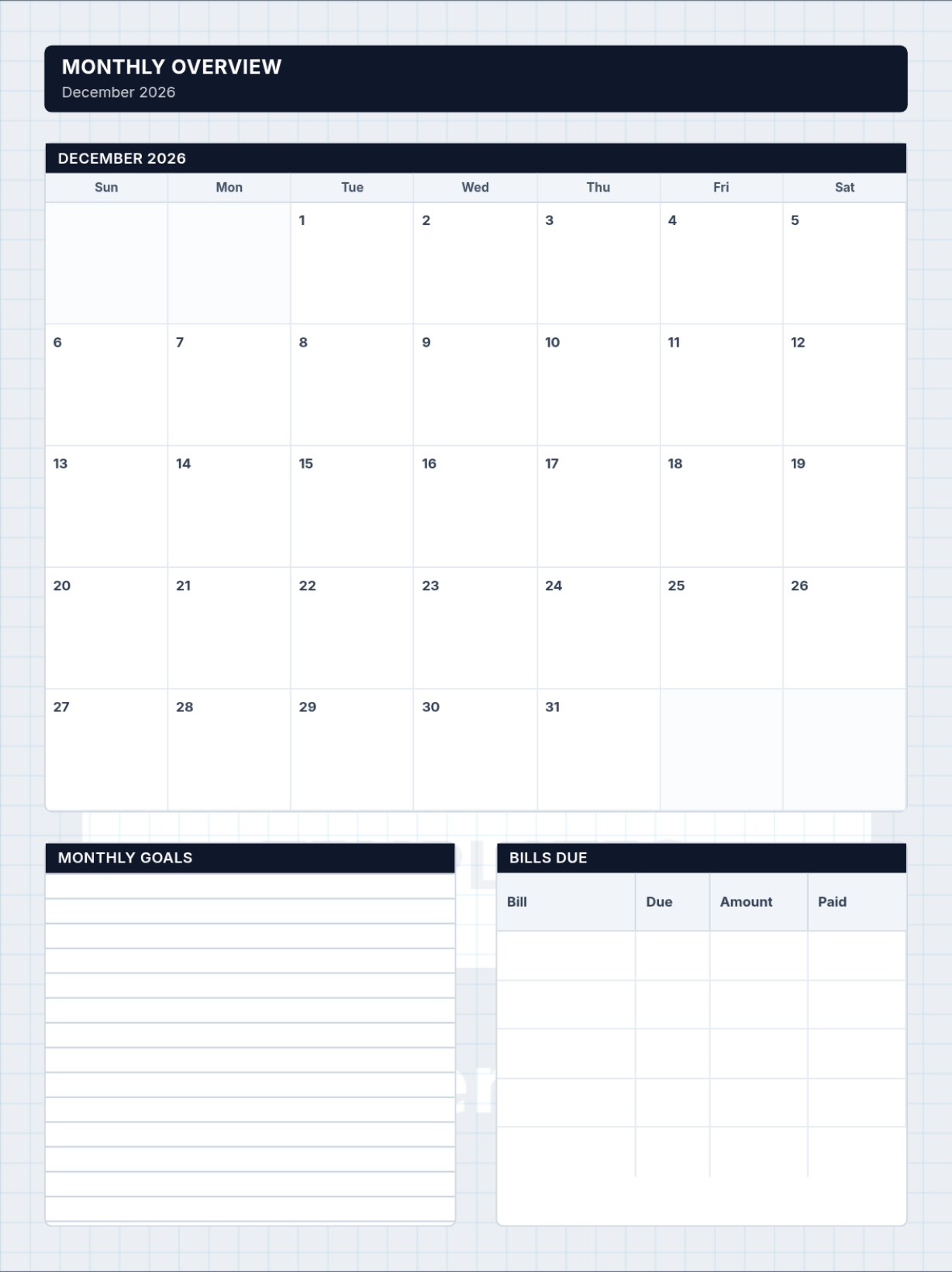
Ready-made
Prefer a planner that’s already built?
Finished PDFs in one consistent style, so every planner you buy works the same way. No hundred-page chaos — pages you’ll actually fill.
The Template Shop
Weekly and daily planners, work and study systems, daycare planners, journals and more — most from $3. Download once, use forever.
Visit the Etsy shop →One-Week Sampler
A free one-week planner made with the builder, so you can feel the style before you buy anything. $0 — pay what you want if it helps.
Grab the sampler →Planner layouts, short feature clips and the full tour, pinned as they’re made. A good place to steal layout ideas for your own pages.
Follow on Pinterest →Short clips
See the planners — 15 seconds each
Tap any clip for a quick flip-through. Like what you see, the link under it takes you straight to that planner.
How this works
Made the way I’d want to buy it
Pay once
No subscriptions, no accounts, no renting your own planner back month after month.
One consistent style
Every planner works the same way, so a new one feels familiar the day you open it.
Built to be finished
Pages sized for real days and real weeks — finishing one feels like something.
Hi, I’m Cory.
I kept buying planner PDFs that were almost right — a page I loved next to ten I’d never use. So I built the tools to make my own, and it turns out other people wanted the same thing.
Everything here follows C.O.R.Y.S.T. — Create Original, Reusable Yours, Subscription-free Templates. I build the planners I use myself, from Fort Dodge, Iowa.